Everything You Need to Know about Mojashop
MojaShop is built on top of a lot of various components
Mojaloop
Mojaloop is an open-source platform that enables secure, real-time, interoperable digital payments across financial providers.
Mifos
Mifos is an open-source core banking platform that powers digital financial services for institutions of any size.
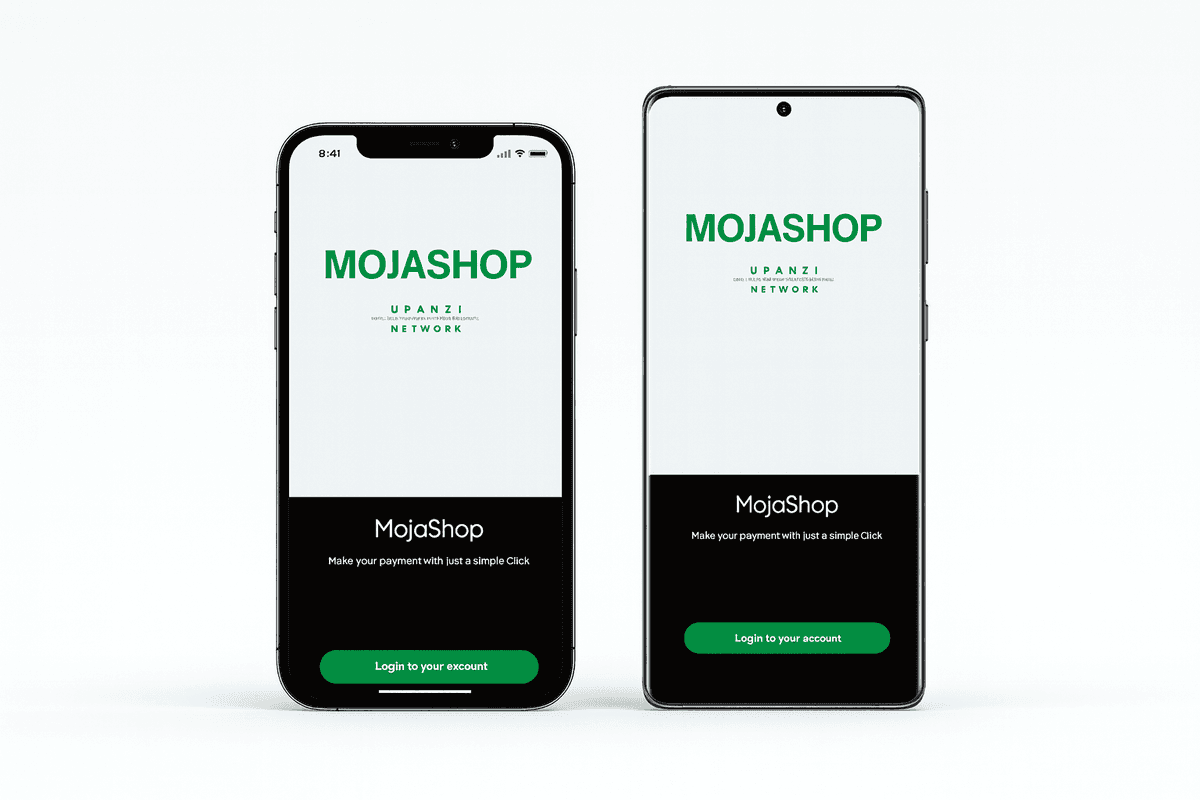
Mojashop client app
Used by clients to link their mifos account and also make their orders.
Mojashop vendor app
Used by vendors to link their mifos account and also confirm clients orders to complete transactions.
Mojashop web auth
Used for manual verifications for orders created by the clients so that they can be completed by vendors
Mojashop Auto Auth
Used for biometric verifications for orders created by the clients so that they can be completed by vendors
How MojaShop Works
Our microservices architecture ensures scalability, reliability, and performance
Setup & Configuration
Quickly register your account with our user-friendly interface. Configure your account in mifos account in minutes.
Add Products
Create products which users will order.
Start Selling & Growing
Begin processing orders, track statuses with our authentication mechanisms.
Try the Demo Right Now
A fully pre-configured sandbox environment is running with demo data. No sign-up required — just pick a role and explore.
Sandbox environment — please read
- All data is seeded for demonstration purposes only. No real payments are processed.
- Demo data may be reset periodically. Anything you create might be removed.
- The payment flow uses a Mojaloop test network, not a live financial system.
- Do not enter real personal or financial information.
Client App
Browse shops, add items to cart, and experience the full Mojaloop payment flow as a customer.
What you can do
- Browse demo shops and products
- Add items to cart and place an order
- Experience the biometric / manual auth flow
- View your order history and status
- Link a demo Mifos account for payments
Demo credentials
Email customer1@mojashop.demo
Pass Demo@Cust01
Admin Dashboard
Manage and verify orders, view analytics, and oversee the full transaction lifecycle as an admin or supervisor.
What you can do
- View and manually verify pending orders
- Monitor real-time order status updates
- Access sales analytics and reports
- Manage system configurations
- Review order history across all customers
Demo credentials
Email admin@mojashop.demo
Pass Demo@Admin1
Demo Walkthrough
Follow these steps to experience the complete end-to-end flow.
Log in as Customer
Open the Client App and sign in with customer1@mojashop.demo / Demo@Cust01
Place an Order
Browse the Demo Food Corner or Goodies Shop, add items to your cart, and check out.
Verify the Order
Open the Admin Dashboard as admin@mojashop.demo and manually approve the pending order.
Observe Payment
Watch the order status update in real time as the Mojaloop payment flow completes.
All Available Demo Accounts
| Role | Password | App | |
|---|---|---|---|
| Customer | customer1@mojashop.demo | Demo@Cust01 | Client App |
| Customer | customer2@mojashop.demo | Demo@Cust02 | Client App |
| Vendor | vendor1@mojashop.demo | Demo@Vend01 | Vendor App |
| Vendor | vendor2@mojashop.demo | Demo@Vend02 | Vendor App |
| Admin | admin@mojashop.demo | Demo@Admin1 | Admin Dashboard |
Ready to Explore Mojashop?
See MojaShop in action. Request a personalized demo today.